
Every modern sports fan has likely experienced this exact subscription regret: Your favorite team makes it to a crucial playoff match. To watch it legally, you pay $15 for a monthly subscription to a regional sports streaming platform like SPOTV, TVING, or Coupang Play. You tune in at kickoff, expecting premium broadcast quality.
Instead, you are greeted by a single, unmovable wide-angle camera that makes tracking the ball impossible. Worse, the audio track features a solitary, heavily biased commentator shouting over the stadium noise, offering zero tactical insight into the match.
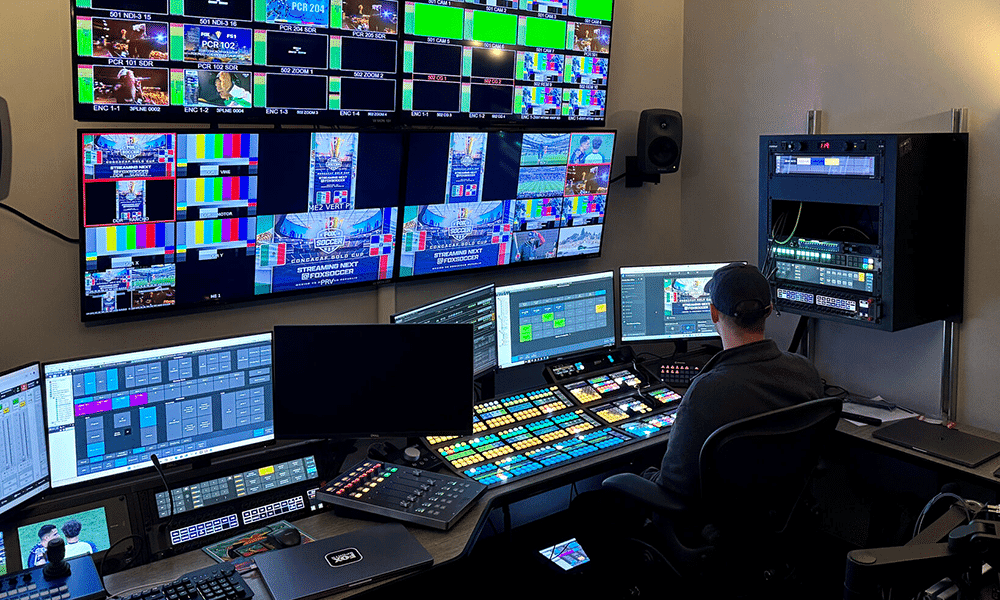
Securing the broadcasting rights to a specific sports league does not mean a platform invests equally in its production value. Sports streaming providers ruthlessly divide their production budgets between audio talent (expert commentators) and visual infrastructure (multi-camera setups and replay servers). Before locking yourself into a long-term seasonal subscription, you must learn how to audit a platform’s UI features, audio mixing, and camera variety.
The broadcast rights trap: Why feature quality drops across different sports
The most common trap consumers fall into is assuming that a platform’s flagship features apply to every sport it broadcasts. This is a costly misunderstanding of how media distribution rights actually function.
Sports platforms operate on “Tiered Licensing” models. If a platform like TVING or Coupang Play holds the Tier A exclusive rights to domestic baseball (KBO) or domestic football (K-League), they will deploy their full production arsenal: 15 different camera angles, dedicated pre-match studio shows, and interactive on-screen statistics. However, if that same platform holds Tier C rights to an overseas tennis tournament or a secondary volleyball league, they merely purchase a raw, single-camera “clean feed” from the host country, providing bare-minimum coverage.
To avoid the bait-and-switch, you must conduct a “pre-match UI audit.” Do not rely on the app’s glossy homepage advertisements. Navigate directly to the match schedule page for the specific sport you follow. Look for explicit metadata tags underneath the fixture listing, such as “Multi-cam,” “Tactical View,” or “Live Replay Supported.” If these tags are missing from your specific match, the platform is not deploying its premium features for that event.
Audio architecture: Evaluating commentary style and stadium mix
The acoustic presentation of a sports broadcast fundamentally alters how you perceive the game. A premium streaming platform should offer viewers the flexibility to tailor the audio experience to their personal psychological viewing style.
The psychology of the commentary booth
Viewers generally fall into two distinct psychological camps. The “Tactical Fan” watches sports like a game of chess; they demand a neutral Lead Announcer paired with a former professional player (the Color Analyst) who can break down defensive formations and off-the-ball movement. Conversely, the “Casual Fan” seeks emotional entertainment; they prefer high-energy, passionate, and sometimes unapologetically biased “homer” commentary that amplifies the hype of a scoring moment.
Before subscribing, check the platform’s broadcasting credits or watch a 5-minute highlight VOD. On platforms like SPOTV, note whether major matches utilize a dedicated 2-person analytical team or if the network cuts costs by deploying a solo play-by-play announcer whose only job is to narrate obvious on-screen action.

Audio track isolation and ambient stadium noise
A hallmark of a truly elite sports streaming application is the implementation of audio isolation toggles. Standard broadcasts compress the commentators’ voices and the stadium crowd noise into a single, flat audio track.
High-end streaming platforms, however, transmit multi-track audio. Through the video player’s settings menu, users can completely mute the commentators and isolate the raw, ambient stadium microphones. For purists, listening strictly to the roar of the crowd, the shouts of the players, and the natural acoustics of the stadium provides a deeply immersive, authentic matchday experience that a shouting commentator often ruins.
Visual immersion: Tactical cameras and instant replay mechanics
While a standard wide-angle TV broadcast is sufficient for casual viewing, deep tactical engagement requires alternative visual perspectives and responsive video control mechanics.
The value of alternative viewing angles
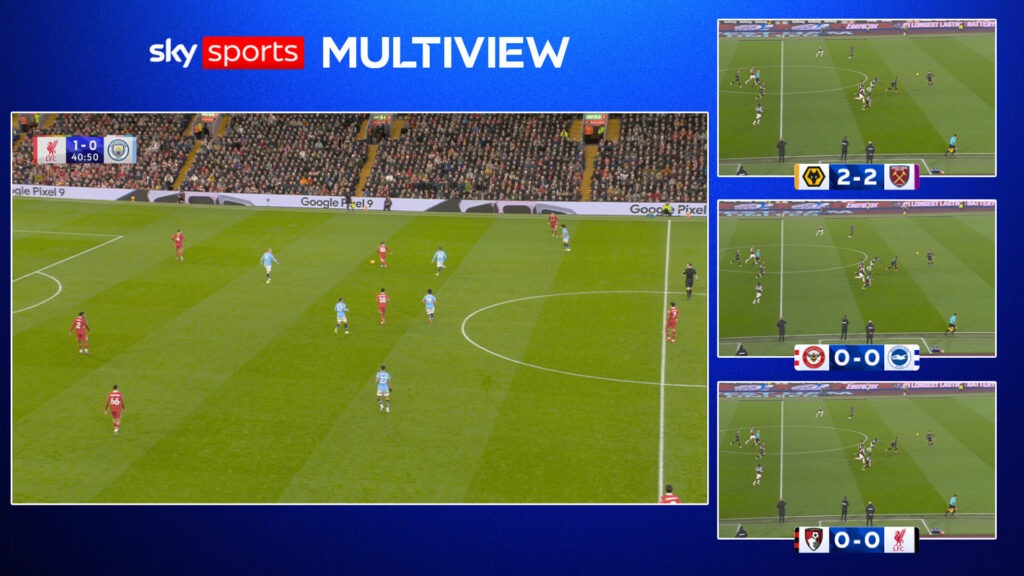
When platforms invest in multi-camera infrastructure, they empower the viewer to act as their own broadcast director. Standard lateral camera angles often obscure the true geometry of a play.
Premium sports platforms allow users to manually toggle between specialized feeds. In baseball, an “End-line cam” or “Umpire cam” is crucial for evaluating pitch locations and strike zones accurately. In football, a “Tactical high-cam” (often a spider-cam suspended above the pitch) allows viewers to see the entire 11-man formation, tracking defensive offside traps and off-the-ball runs that traditional cameras completely miss. If tactical analysis matters to you, verify that the platform explicitly supports manual camera switching.
Navigating the live instant replay lag
The availability of an “Instant Replay” button on a live streaming app is a highly marketed feature, but its real-world execution frequently falters under technical strain.
Pulling a 15-second high-definition video segment from a live server cache requires immense backend bandwidth. On poorly optimized platforms, tapping the “Instant Replay” button to review a controversial penalty call often triggers a 10-second buffering freeze. By the time the replay finishes, the live feed has jumped forward, destroying the momentum of the live event.
Before committing to a 12-month seasonal pass, purchase a 24-hour day pass (or utilize a free trial). Use this short-term window to actively stress-test the app’s replay servers during a high-traffic, prime-time match. If the application buffers endlessly when you attempt to scrub backward, or if the multi-cam toggle takes ten seconds to load a new angle, the platform’s technical infrastructure cannot support your viewing needs, and your money is better spent elsewhere.